
 Design and Customization
Version: 3.8.13
JetEngine for Elementor
Verified
See scan report
1 Year
Updates
Verified file
Check whether a dated scan report is linked for this file. A scan cannot guarantee safety.
Analyzed with 62 engines · 0 threats detected
File: jet-engine.zip (5.6 MB)
SHA-256
b2a4b4c82d6499b68dcda27dfb7ff01e5a906ca1ab99b43b780dfb38cf06d312
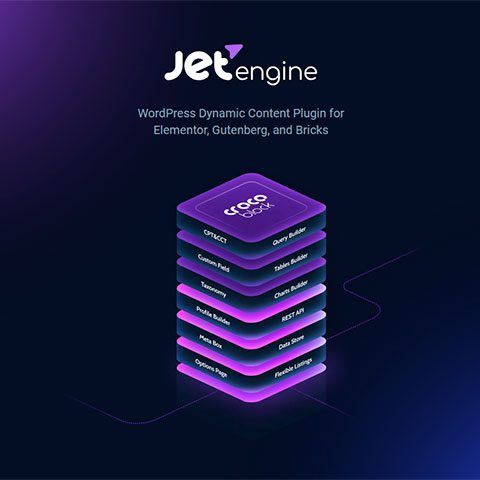
JetEngine for Elementor it is a comprehensive solution for adding and editing dynamic content with Elementor, allowing you to use the ability to design with Elementor along with the flexibility of dynamic content in a powerful solution for creating new fields with content types, custom taxonomies and custom fields without requiring knowledge of programming.
JetEngine for Elementor will allow you:
- Add custom content types and custom taxonomies.
- Create templates for custom content types and taxonomies.
- Show templates in list layout or grid blocks.
- Use unique widgets and layout customizations.
JetEngine for Elementor does not need Elementor Pro to work, it can be used with the free version of Elementor.
Features of JetEngine for Elementor
JetEngine for Elementor provides you with new Elementor widgets for dynamic content:
- Dynamic field. Display meta content or standard dynamic content from the defined font and customize its appearance using versatile styling options.
- Dynamic image. A widget specially created to display dynamic featured images from existing custom content types or from custom taxonomies and customize their appearance.
- Dynamic repeater. Displays sets of dynamic repeaters from custom content types or custom taxonomies using the defined source, some code, and many customization options.
- Dynamic link. Easily add links to post templates or taxonomies and display them in any type of custom content or custom taxonomy.
- Dynamic terms. Specifies from which taxonomy the information should be extracted and displays its terms or links to them and adds text before or after the terms.
- Dynamic meta content. Displays the publication date, author information, or number of comments by adding the dynamic meta content widget to the template.
Frequently Asked Questions
Review the listed version, filename and any file-verification details provided before installing the file.
When a newer file is available, you can download it from your account during your access period. Check the version shown on the product page.
GPL-covered code can generally be used on multiple sites. Check separately licensed images, other assets and vendor services before use.
Check the license terms that apply to each product. WPTemplateKit is an independent redistribution service and does not include an official developer license or support.
Related Products
Design and Customization
 eCommerce
 SEO
SEO
Schema Pro
3.99 €
 eCommerce
Gift Wrapper for WooCommerce
3.99 €
Wait! Become a member and download it all
Instead of paying 3.99 € for just this file, join the Club and download it — plus the entire catalog — with unlimited downloads while your membership is active.
Or try everything first with the 24-Hour Pass — 4.99 €
Special for you
Still thinking it over?
Take the 24-Hour Pass and try everything for just 4.99 €: this file and the entire catalog, with full member access for 24 hours. One-time payment — no subscription, nothing to cancel.
Try 24 hours for 4.99 €