 Memberships and LMS
Restrict Content Pro
3.99 €
Check whether a dated scan report is linked for this file. A scan cannot guarantee safety.
Analyzed with 64 engines · 0 threats detected
File: yith-woocommerce-gift-cards-premium-4.22.0.zip (10.1 MB)
5654ea3057c0e1e89eba61112f1e39d927060ffe669a72302e54750b918ab5ce
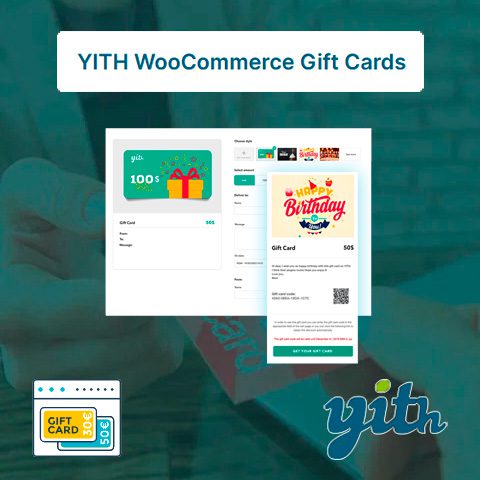
YITH WooCommerce Gift Cards Premium it allows you to send gift cards in your store, thus increasing your profits and attracting new customers. With YITH WooCommerce Gift Cards Premium, your customers can send gift cards to redeem for products from your store to their friends and family. This way, you also promote your store among those who receive those gift cards.
For the client:
Review the listed version, filename and any file-verification details provided before installing the file.
When a newer file is available, you can download it from your account during your access period. Check the version shown on the product page.
GPL-covered code can generally be used on multiple sites. Check separately licensed images, other assets and vendor services before use.
Check the license terms that apply to each product. WPTemplateKit is an independent redistribution service and does not include an official developer license or support.
Instead of paying 3.99 € for just this file, join the Club and download it — plus the entire catalog — with unlimited downloads while your membership is active.
Or try everything first with the 24-Hour Pass — 4.99 €Take the 24-Hour Pass and try everything for just 4.99 €: this file and the entire catalog, with full member access for 24 hours. One-time payment — no subscription, nothing to cancel.
Try 24 hours for 4.99 €WPTemplateKit is an independent redistribution service and is not affiliated with the original developers. Trademarks belong to their respective owners.