eCommerce
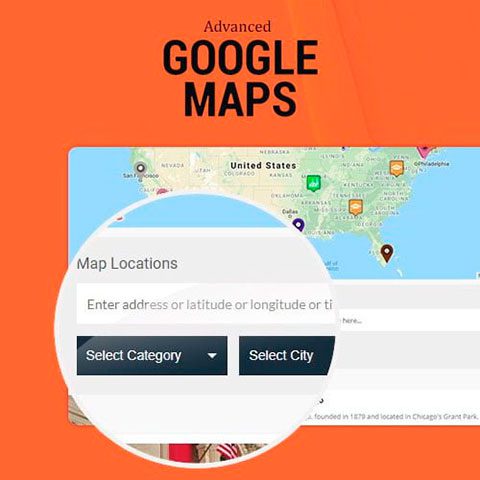
Advanced Google Maps Plugin for WordPress (WP MAPS PRO)

Verified file
Check whether a dated scan report is linked for this file. A scan cannot guarantee safety.
Analyzed with 64 engines · 0 threats detected
File: advanced-google-maps-plugin-for-wordpress.zip (6.7 MB)
013c5a7c8526973c468144ed3019b561e31159fde0dcb4f1b0c35b9d30d58ed8
Advanced Google Maps Plugin for WordPress (WP MAPS PRO) it is the most complete plugin to create maps with Google Maps created for WordPress.
Features of Advanced Google Maps Plugin for WordPress (WP MAPS PRO)
Advanced Google Maps Plugin for WordPress (WP MAPS PRO) allows you:
- Filter locations by custom fields, taxonomies, and location data easily.
- Show custom posts, pages, or content on Google Maps.
- Assign a location to the entry easily using the corresponding metabox, custom fields or using Advanced Custom Fields.
- Display entry information (title, excerpt, content, featured image, categories…) in an information window.
- Show the list of entries under the map and show the information in the list.
- Display entries or locations under the map in list or grid format.
- Add any number of data to the location marker (e.g. phone, time, website, etc.) and easily display it in an information window.
- Import unlimited locations from a CSV file.
- Assign multiple categories to a location and allow visitors to filter by categories.
- Search for entries or locations by proximity to a position.
- Sort the list by title, address or category, ascending or descending.
- Button to print the filtered list of locations.
- Enable or disable search form, category filter, print option and order options from the backend.
- Request a start and end address to display routes.
- Use nearby places within a certain radius using the Google Places API.
- Use bookmark groups if you have many locations.
- The administrator can create circles, squares, rectangles, polygons or polygonal lines and display them on the map.
- Retrieve location information from external resources such as custom tables or an API.
- Show multiple KML/KMZ layers on the map.
- The maps are 100% responsive and adapt to the screen width.
- Focus the map on the visitor’s location, at a set point, or based on the locations included on the map.
- Show or hide the zoom, full screen, map type, scale, Street View control, and decide the position of the controls on the map.
- Assign permissions to users to manage maps, locations, categories, and routes.
- Add multiple Google Maps on one page.
- Multilingual support, compatibility with WPML.
- Support for multi-site installations.
Frequently Asked Questions
Review the listed version, filename and any file-verification details provided before installing the file.
When a newer file is available, you can download it from your account during your access period. Check the version shown on the product page.
GPL-covered code can generally be used on multiple sites. Check separately licensed images, other assets and vendor services before use.
Check the license terms that apply to each product. WPTemplateKit is an independent redistribution service and does not include an official developer license or support.
Wait! Become a member and download it all
Instead of paying 3.99 € for just this file, join the Club and download it — plus the entire catalog — with unlimited downloads while your membership is active.
Or try everything first with the 24-Hour Pass — 4.99 €Still thinking it over?
Take the 24-Hour Pass and try everything for just 4.99 €: this file and the entire catalog, with full member access for 24 hours. One-time payment — no subscription, nothing to cancel.
Try 24 hours for 4.99 €